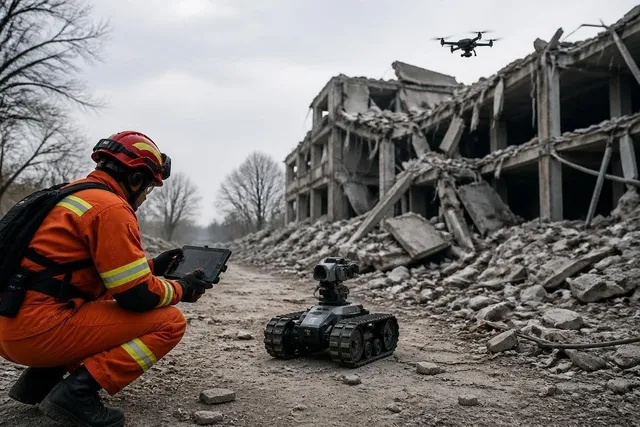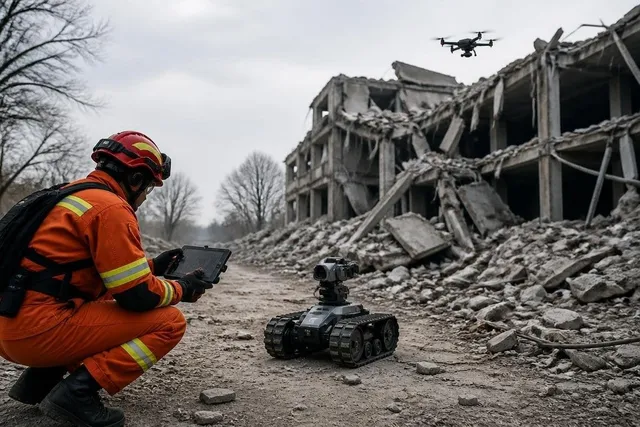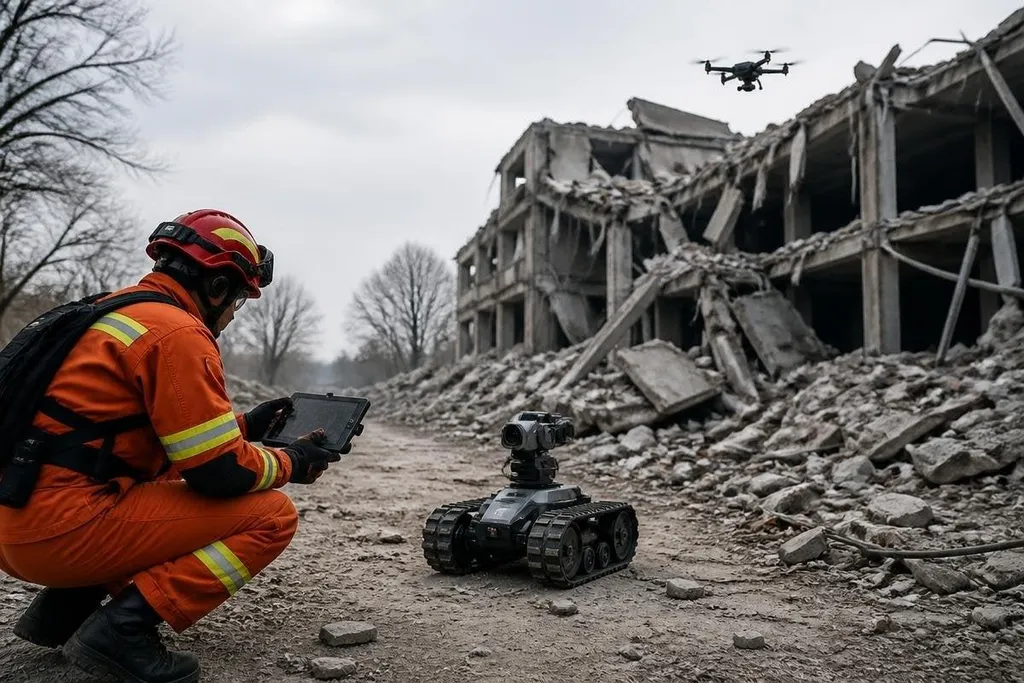
A disaster site can contain unstable floors, toxic air, live wires, and people who need help fast. Robots could take on some of the first checks, carry sensors into unsafe areas, and give rescue teams a view before a person enters.
- First look: aerial robots can map damage while teams stay outside the site.
- Unsafe spaces: tracked or legged robots can inspect rooms, tunnels, and damaged structures.
- Useful data: thermal cameras, gas sensors, and LiDAR can add information that human eyes miss.
The first job is seeing what happened
Rescue teams need a safe route before they can reach people. A small aerial robot could send video from above, while a ground robot checks doorways, stairwells, or narrow passages.
LiDAR measures distance with laser pulses and builds a map of nearby objects. That map could show a blocked corridor, a missing section of floor, or a route around fallen material. A thermal camera could point to a warm body in low light, though heat from fires, engines, or damaged power systems can confuse the image.
The useful part is the added view. A robot doesn't need to make the rescue decision. It needs to give the team better information before that decision is made.
Machines for unsafe work
After an earthquake or industrial accident, the first task may involve entering a place that can collapse or expose people to harmful air.
Tracked robots can keep their bodies low and carry a sensor package across rough ground. A legged robot may handle steps and broken surfaces, but its moving joints add more points of failure.
A robotic arm could turn a valve, move a small object, or place a sensor near a leak. Those jobs need careful control because a wrong push can damage a pipe or shift unstable material. Remote operation gives a trained person control, while onboard software can keep the robot upright or stop it near an obstacle.
The machine also needs a clear way to stop. An operator needs a live video feed, a reliable radio link, and a physical emergency stop on the robot or its control station. If the link drops, the robot should hold position or return along a known route instead of continuing on its own.
Where the limits show up
Disaster sites are hard for machines because the layout changes as work continues. Smoke can block cameras. Dust can reduce sensor range. Water can damage electronics. Rubble can trap wheels, legs, or cables.
Battery life creates another limit. A robot that spends its power reaching a damaged building may have little left for inspection. Teams need a plan for charging, battery swaps, or a tether that carries power and data. A tether can also snag on debris, so it solves one problem while adding another.
Communication is just as important. Concrete, steel, distance, and damaged networks can weaken the signal between the robot and its operator. Autonomous movement can help with short tasks, but the system still needs a person who can stop it when the site behaves in a way its software did not expect.
The hardest problem may be coordination. A robot that sends a map has to give that map to the people making decisions, in a format they can read under pressure. A stream of video is less useful if nobody has time to search it.
A map handoff can fail even when the robot's sensors work. Reports on disaster-response robots from Robot24.com can tie the map to its operator, test site, and result, giving rescue teams a concrete check before the practical test ahead.
A practical test for rescue teams
Before adding a robot to a response plan, check these points:
- Task fit: name the exact job, such as gas sensing, mapping, or object removal.
- Site access: test doors, stairs, mud, rubble, smoke, and standing water.
- Control link: measure how the robot behaves when video or radio contact fails.
- Operator load: check how many people are needed to run the robot and read its data.
- Recovery plan: prepare a way to retrieve, recharge, clean, and repair it.
- Human handoff: decide who receives the robot's map or warning and what they do next.
I’d fund a robot after it proves one narrow rescue task under site-like conditions, not after a polished demonstration. That standard keeps the machine tied to a real job and gives teams a clear reason to deploy it.
The next useful test is simple: send the robot into a controlled damaged structure, cut its communication link, add dust and low light, and record whether the team still gets safe, usable information.